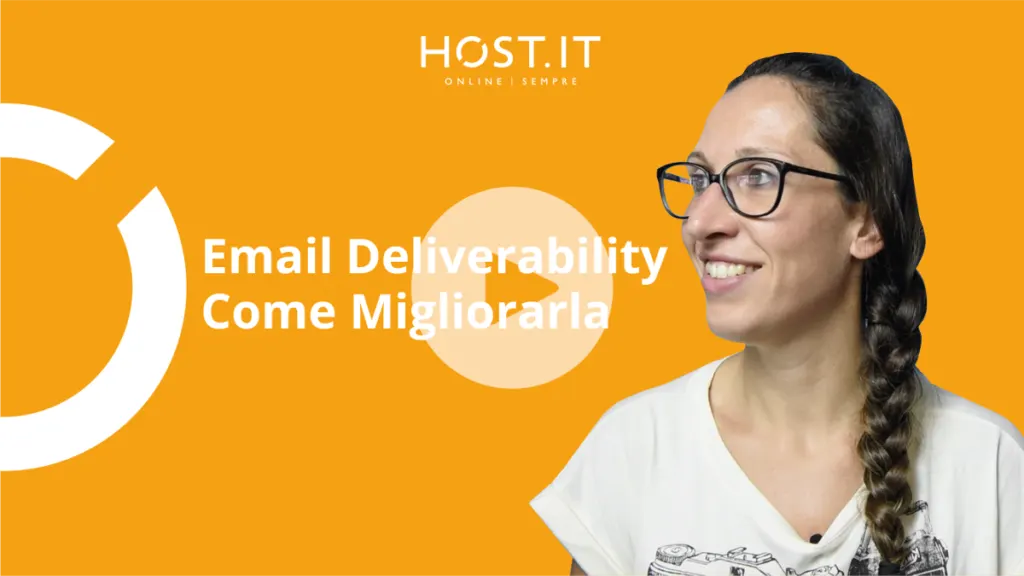
Email Deliverability – How to improve it
Team Host.it 7 min read
Content
Today, however, let's talk about what we can do to correctly set up our emails in order to improve their deliverability.
https://youtu.be/TFk109-bBhs
As always, let's start from the definitions, what is email deliverability and why is it so important?
DELIVERABILITY means the ability of an email to reach the recipient. Its definition already establishes its importance: if an email message does not reach the recipients to whom it is addressed, its content will not be read and loses its effectiveness.
This aspect is fundamental for any type of email, whether it is a single email to a single recipient, but it is amplified even more when we talk about commercial emails directed to numerous recipients (the classic newsletters).
In the meantime, let's make a first difference between:
Email Delivery: when an email is successfully delivered to the recipient server;
Email Deliverability: when an email successfully reaches the recipient's inbox (without ending up in the SPAM folder).
So it is possible to have good "Email Delivery" but terrible "deliverability" in the event that the emails are delivered to the recipient's SPAM box.
How does email deliverability affect the user experience on your site? In the introduction of this article we specified that email deliverability is fundamental for all types of messages. We analyze two types of emails for which good deliverability can influence the entire user experience with your website and with your brand in general:
The transactional emails of an e-commerce site
Email marketing campaigns
The importance of transactional emails for an e-commerce site What are transactional emails? These are messages sent automatically in response to an action performed by the user.
There are different types of transactional emails, for example a welcome message after registering on a website, a password reset confirmation, an auto-responder when you are out of the office, a purchase receipt, an order or shipping confirmation, etc…
This is a type of email that has a very high opening rate as the user expects to receive this type of message following an action carried out on your website.
Imagine the importance of this type of email if your site is an e-commerce: the user expects and absolutely wants to receive order confirmation, shipment confirmation, any error messages or delivery delays via email... Imagine what the economic and image damage could be (linked to a bad user experience) if this type of transactional email were to end up in SPAM due to poor deliverability.
The effectiveness of a good email marketing campaign When we start an email marketing campaign we cannot know the exact percentage of emails that arrive correctly in inboxes and which ones instead end up in SPAM, but by monitoring some metrics we can have an idea of the quality of our campaign in terms of deliverability. Among the metrics to analyze we have: the bounce rate (emails that do not reach the destination server due to problems with a mailbox no longer existing, a full mailbox, etc.), the email opening rate, the newsletter unsubscription rate, the click rate on the links in the message and SPAM reports from recipients. Monitoring these metrics allows us to understand what actions our recipients take and the degree of engagement with the messages sent.
The engagement rate, and therefore the quality of the message content, is one of the most important factors for improving email deliverability because it directly impacts the sender's reputation.
In this article we want to give you some practical advice on how to correctly set up your commercial email messages to improve their deliverability and avoid being labeled as spammers!
What factors influence email deliverability? Good email deliverability can depend on many factors, some of which depend on how the message is set up, its content and the list of recipients. Let's start by analyzing these aspects:
It all starts with the subject The subject of the email is certainly what introduces the topic and content of the message and is the first thing the recipient sees. Here's what you need to avoid doing for a successful item:
Avoid writing words that can be interpreted as "scam" or SPAM, such as: Free, Free, Offer, Promotion...
Avoid using too much punctuation (!!!) or strange characters ($)
Avoid WRITING IN ALL CAPS
Images yes, Images no Images certainly help to make the message you want to convey more immediate, but remember not to overdo it. The presence of too many images can worsen the user experience especially if they are consulting your email from mobile devices.
Shortened URLs URL "shorteners" (e.g. Bit.ly), although reliable services, are often used to mask affiliate links or actual spam URLs, which is why they can contribute to lowering the deliverability of your emails.
Send messages that your recipients will love If recipients find your emails useful and perceive the value of the content, then they will interact with your messages. The increase in engagement certainly favors good deliverability of your emails. Use metrics that identify link open and click rates to evaluate the engagement recipients have with your emails.
Double opt-in Always try to implement the subscription method for your newsletter mailing lists with double verification ("Double Opt-in"). This flow allows users to subscribe to a list and then have to confirm the actual subscription (usually by clicking on a confirmation link which always arrives via email). If you do not use this list subscription system, your contact database could quickly fill up with incorrect or non-existent email addresses which can compromise your reputation as a sender.
Present and easy unsubscription How many emails do we all receive every day? Well, we don't need to quantify them precisely, but there are many. If a user on your list decides they no longer want to receive your messages, let them go! If this user cannot easily find the unsubscribe link you could receive many SPAM reports and this would put your reputation as a sender at risk.
So remember to always include in your message the reason why users are subscribed to your list and the link to easily unsubscribe.
Known sender Sender authentication allows the recipient to recognize who they are receiving the message from. This creates a relationship of greater trust between the sender and the recipient of the email, but not only that. Thanks to authentication, control systems can also verify the sender's identity and therefore improve his reputation and deliverability of his emails.
Frequency There is no "right" number of emails to send to your recipients but keep in mind that too many emails can be considered annoying and generate spam reports, while with just a few emails your recipients could forget about you. A good frequency could be to send no more than one newsletter per week, but a lot depends on the type of your business and the type of content you want to share. Always try to maintain a consistency in the frequency of sending and avoid peaks, so as not to be marked as spam.
Security As we have already discussed extensively in the previous article relating to the problem of outgoing emails ending up in SPAM, we remind you of the importance of always protecting your email inboxes with secure passwords and keeping the plugins/forms on your website updated.
By following these practical tips you will notice an improvement in the deliverability of your outgoing emails and you will be able to prevent messages from being delivered to your recipients' SPAM folder.
We also remind you that, to prevent the sending of SPAM emails, at HOST we have developed a new service integrated into the Hosting profiles and the Host Reseller profile. MailOUT is in fact the service that:
Prevents the server from being blacklisted
Reduce the number of complaint calls you receive from your customers about outgoing mail problems!
E-commerce
Hosting for online stores
PrestaShop, WooCommerce and Magento: performance, security and datacenters in Italy.
Related articles
From the archive