What is email: What is an email and how does it work
Team Host.it 4 min read
Content
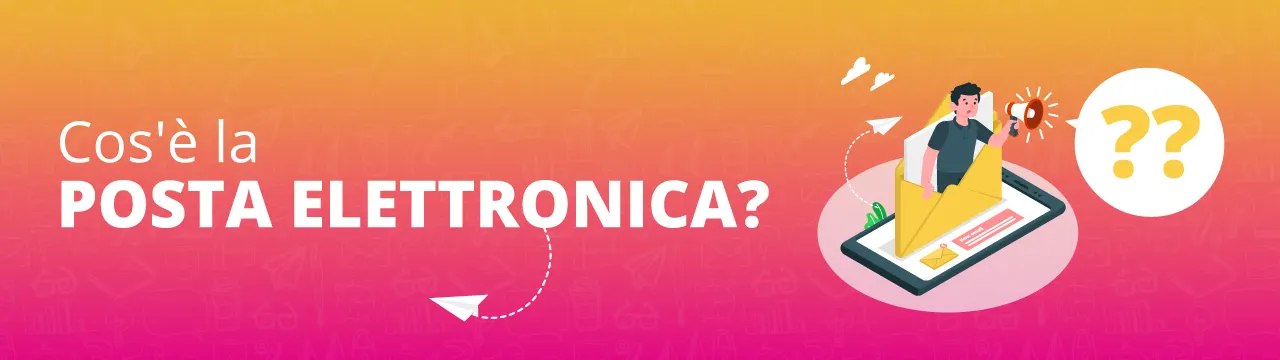
Many of the great innovations had as their first application the creation of a new form of communication: Gutenberg's printing press, Marconi's radio, Meucci's telephone.
IT makes no difference and, when the first communication networks were activated (ARPANET, for example), messages immediately began to be sent between one point and another.
The comparison with ordinary mail was simple and the term was created: "Electronic Mail".
How did email originate? The first e-mail message in history was sent in October 1971 by Ray Tomlinson and passed over the ARPANET network, precursor of the Internet.
However, the process of sending and receiving electronic mail was formalized about 10 years later, on August 13, 1982, by Jon Postel, author of the technical document known as RFC 822 which defines the method of operation of the email service.
Exactly like in land mail, e-mail also has a sender, a recipient and a postal service that receives the message and delivers it to the recipient. Unlike its terrestrial counterpart, e-mail allows us to reach every part of the world in just a few minutes.
Furthermore, Electronic Mail does not require the payment of a stamp for each message sent and this has clearly facilitated its adoption on a global level. Suffice it to say that every second over 3 million emails are sent worldwide.
How does e-mail work? To explain how electronic mail works, we use, once again, a parallel with the old and dear land mail.
After preparing the message to be sent and the relative envelope, we will need to go to the nearest letterbox and insert our envelope containing the message. This step is carried out in email by the outgoing mail server (SMTP) which puts together an email message consisting of the content, any attachments and information about the sender and recipient.
The postman collects the posted letters and starts the shipping process through the postal mechanization centers which will sort the messages to the destination post offices. In email, the outgoing mail server (SMTP) will send the message directly to the recipient's mail server.
The recipient will periodically check his inbox, just as he does with the letterbox every day. If there are new messages, you can read them using an email client (Outlook, Thunderbird, etc.) or a web client, commonly called Webmail, which allows you to read and send messages directly from the browser.
Sending an email message (SMTP) When we send our letter, we use the SMTP service (Simple Mail Transfer Protocol, RFC 788) which, as its name states, is a simple protocol.
Our mail program (or our webmail) forwards the message to the set forwarding server, which takes it and forwards it to the recipient, calling him and introducing himself.
And that's right, in fact our program greets the server and introduces itself! The communication continues with a few checks (here we understand if the recipient exists, if his inbox is full, etc.) and finally we exchange the message.
If everything went well, we say goodbye... and close our eyes!
In fact, we will never know if the email has arrived successfully, if it will be read, when it will be (unless the recipient decides to send us a reading confirmation).
Receiving messages (POP3 / IMAP) The recipient must go and check his email, and he does this when he is connected, according to his own time criterion.
Given that the mail service is now fundamental, and access from mobile devices has made the connection practically constant, the time needed to check the inbox has progressively been reduced, even to a few seconds.
check and download mail from the server (typical task of the POP3 protocol)
leave mail on the server (typical IMAP task).
There are many nuances of these behaviors, but they are forcing the protocols (such as using POP3 and leaving messages on the server) which we strongly advise against using, because they lead to unwanted problems, such as "double" downloading of emails and/or the lack of synchronization of emails sent between mobile and desktop devices. IMAP also allows you to create folders and have the same cataloging situation on all mail clients, so that you can use the mailbox on multiple devices (PC, tablet, smartphone) having all the messages sent/received available. All the protocols we have seen have an "S" version (IMAPS, POP3S, SMTPS) which, thanks to the use of certificates, establishes a "secure" connection, which encrypt the communication channel between the mail clients and the mail server, guaranteeing a greater level of security.
Professional email and PEC
Mailboxes on your domain, PEC services and tools for deliverability.
Related articles
From the archive