How to improve the security of a WordPress site
Team Host.it 2 min read
Content
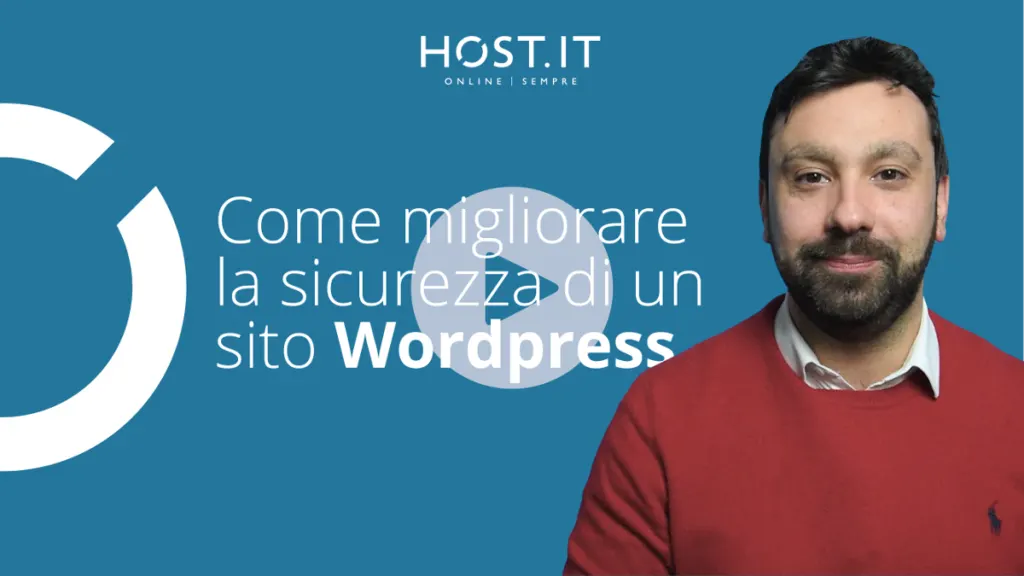
https://youtu.be/s_J_bXxPpeA
Keeping our website safe is the most important task we have and you cannot leave it to anyone, not even your hosting provider.
Yes, it is true that hosting makes a difference in security, but our daily behaviors can make even more.
So here are 6 useful tips to improve the security of your WordPress site:
Constantly update your WordPress and plugin installation. A protected site is a site that is always updated, continuously updating the version of WordPress and its plugins ensures that we are not affected by known vulnerabilities that hackers can exploit to damage our site;
Perform continuous backups of your site. Backups, these unknowns, it is always good to have a backup copy of your site, to deal with the most disastrous situations;
Protect administrative access. Administrative access to the site is the heart of the system, it must be protected like a bank safe. To do this, there are various systems and plugins;
Protect the site from brute force attacks. Today many attacks are invisible, they are aimed at trying to force the password to access the back end with attacks called brute force. Entering strong passwords and activating security plugins is essential to ensure you are not hacked;
Continuous anti-virus and anti-malware scanning and firewall protection. How do we know if our computer is infected? We launch the antivirus, the same thing must be done on websites, launching continuous scans to make sure you are not infected is essential;
Use Captcha for forms and SSL. Articles on WordPress also need to be protected, they are often targeted by spammers, so a cacptha module should be added to avoid being inundated with unwanted comments.
These that I have listed are only the 6 most important courses of action, it would be impossible to explore them all in a few minutes, I leave you the link to the WordPress course dedicated to security, created specifically within our Host Academy: 20 video lessons that will make you a GURU on security for WordPress.
We have reached the end of this episode dedicated to WordPress security, subscribe to our channel and activate the bell to be notified when we publish new content. Thanks and see you in the next video!
WordPress hosting
Hosting optimized for WordPress
SSD, backups, SSL and Application Manager: publish and update your site with Italian-speaking support.
Related articles
From the blog

From the archive